
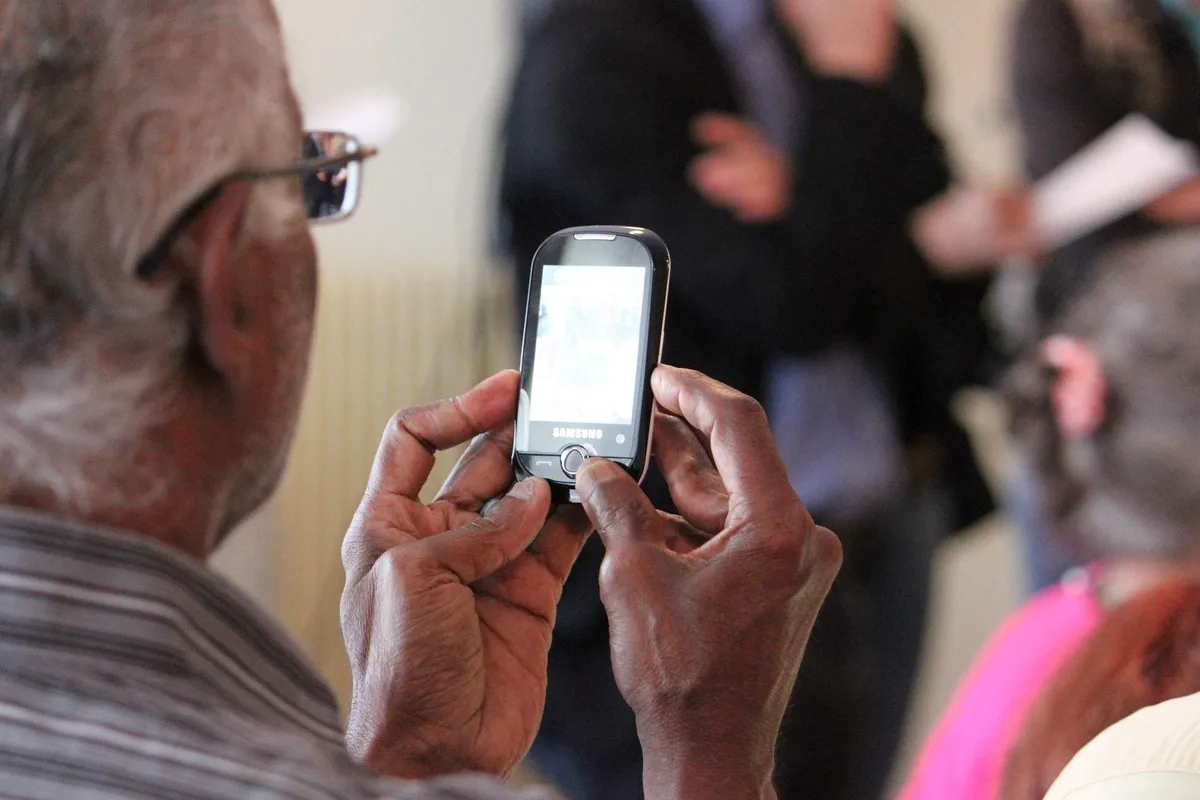
A Smarter, Safer Digital Life For Seniors
Technology has made it easier to stay connected, manage everyday tasks and enjoy greater independence. But for many seniors, navigating the digital world can also bring uncertainty and new risks.
Imagine Margaret, a 72-year-old grandmother who recently received her first smartphone. Excited to video-call her grandchildren, she quickly discovers how convenient it is. Then one morning, a message claiming to be from her bank warns that her account will be blocked unless she clicks a link.
Fortunately, Margaret pauses and calls the number on her bank card to check. She discovers the message is a scam.
That simple habit "checking independently before acting" is useful at any age.
📍Five Simple Ways To Stay Safe Online
1. Protect Your Passwords And Security Codes
Use a strong, different password for each account and switch on two-factor authentication, which adds an extra check when you sign in.
Never share your banking PIN, password, one-time PIN (OTP), or WhatsApp registration code with anyone.
Read approval prompts carefully. Decline any sign-in or payment you did not initiate.

2. Check Before You Click Or Pay
Be cautious of messages claiming your account is blocked, a parcel needs payment, or a relative urgently needs money.
Open your usual app yourself or call a trusted number, rather than using the link or contact details in the message.
For an unexpected family money request, phone the person on a number you already have saved before paying.
3. Keep Your Phone And Computer Protected
Turn on automatic security updates and use a screen lock.
Download apps from your device’s official app store.
Ask someone you trust to help with settings, but keep your passwords and banking codes private.

4. Do Not Let An Unexpected Caller Take Control
Be wary of callers offering to “secure” your bank account or fix your device.
Do not install software, share your screen, or allow remote access that lets someone control your device at their request.
End the call and contact the organisation through its official channels.

5. Give Yourself Time To Ask For Help
If a request feels urgent, confusing or secretive, pause and speak to someone you trust.
You don't have to decide while someone keeps you on the phone.
If you are helping someone else, listen patiently. Feeling comfortable asking questions makes it easier to raise a concern.
Already Clicked Or Shared Information?
Act promptly. Scammers work hard to make their stories convincing, and there is no shame in asking for help.
Clicked a suspicious link? Close the page. Do not enter information, download anything or approve a request.
Shared banking details, an OTP or sent money? Contact your bank’s fraud team immediately through its official app or the number on your card.
Entered a password? Change it from a device you trust, and change it on any other account where you reused it.
Allowed remote access? Disconnect the affected device from the internet. Use another device to contact your bank and trusted technical support.
Keep the evidence: save messages, screenshots and payment details. Report fraud to SAPS and your bank.
Reporting quickly helps your bank respond, but does not guarantee that money can be recovered.
📝Useful Guidance
SABRIC: practical advice on avoiding scams.
FNB: digital fraud and remote-access warnings.

Technology You Can Trust. Security You Can Rely On.
We know how reassuring it is to have someone listen, explain things clearly and take your concerns seriously. That matters whether you are learning to use a smartphone or managing a busy security control room.
At Intelligent Monitoring, we develop alarm monitoring software that helps security teams manage alarm events and support their response processes. We care about the people using our systems and the responsibility they carry for those who depend on them.
If you would like to understand how our software could support your control room, we welcome your questions.
📢 Talk to us at Intelligent Monitoring.
A Final Word
Technology should help us feel connected and independent. With a few practical habits and someone to turn to when questions arise, seniors can enjoy its benefits with greater confidence.
Stay connected. Take your time. Ask when unsure.